
 Guides
3 min read
How to Create an Engaging Video Course: From A to Z
A great video course takes more than pressing record. Learn how to plan, film, edit and publish a video course that captivates your students and keeps them going to the end.
Videos sit at the heart of many online courses. They let you demonstrate a gesture, explain an idea on a whiteboard or walk learners through a screen step by step. This topic helps instructors plan, record and edit course videos that stay clear and engaging. It also helps learners get more out of what they watch.
GuidesA great video course takes more than pressing record. Learn how to plan, film, edit and publish a video course that captivates your students and keeps them going to the end.
 Career
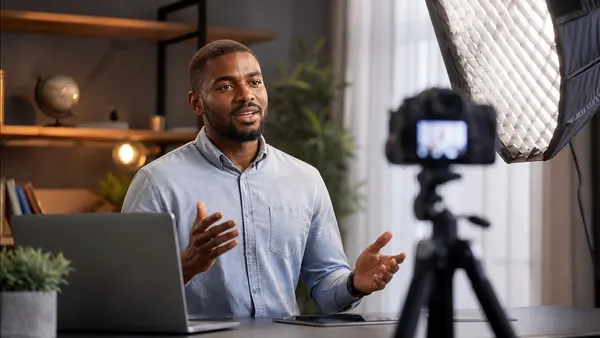
You master a subject and enjoy passing it on? As an online instructor, you can share your expertise and earn income from it. Here are the key steps, from the course idea to your first sales.
A good recording combines voice, image and movement. Learners can see how an expert handles a tool, hear the reasoning behind each step and pause whenever they need to. That control over the pace makes videos a natural fit for learning at home, on your own schedule.
Videos also create a human connection. Seeing and hearing the instructor builds trust, even when learners and teacher never meet. That presence helps many people stay engaged from one lesson to the next.
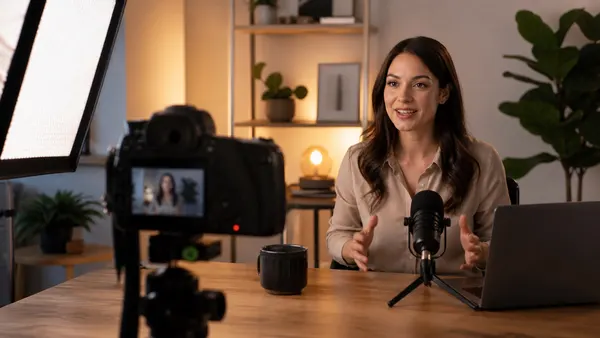
You do not need a professional studio to start. Focus on the details that learners notice first:
The most common issue is length. A long recording that wanders between topics tires the viewer and makes information hard to find later. Poor audio comes a close second: people forgive a basic image far more easily than a voice they struggle to hear.
Also avoid reading your slides word for word. Your videos should add something the text cannot: an example, a demonstration, a tone of voice. Finally, think of learners who watch without sound or who rely on captions to follow.
As a learner, treat each lesson as practice, not as a show. Pause to try each step yourself, take notes in your own words and come back to the passages that felt unclear. On Mudey, the platform saves your progress, so you can stop in the middle of a course and resume later.
The Mudey course studio lets you organize sections and lessons, then add your videos, downloadable resources and quizzes. The platform hosts and streams them for you, so you can focus on teaching. The step-by-step course creation guide walks you through the editor, and you can become a Mudey instructor free of charge, with no commitment.
To shape the content itself, read our articles on pedagogy and micro-learning. To add motion to your visuals, Motion Design with After Effects covers logo animation, transitions and animated typography.